Your money, always in mind 💛
Reminds you to track expenses, stick to budgets, and stay on top - without linking your bank and all with total privacy
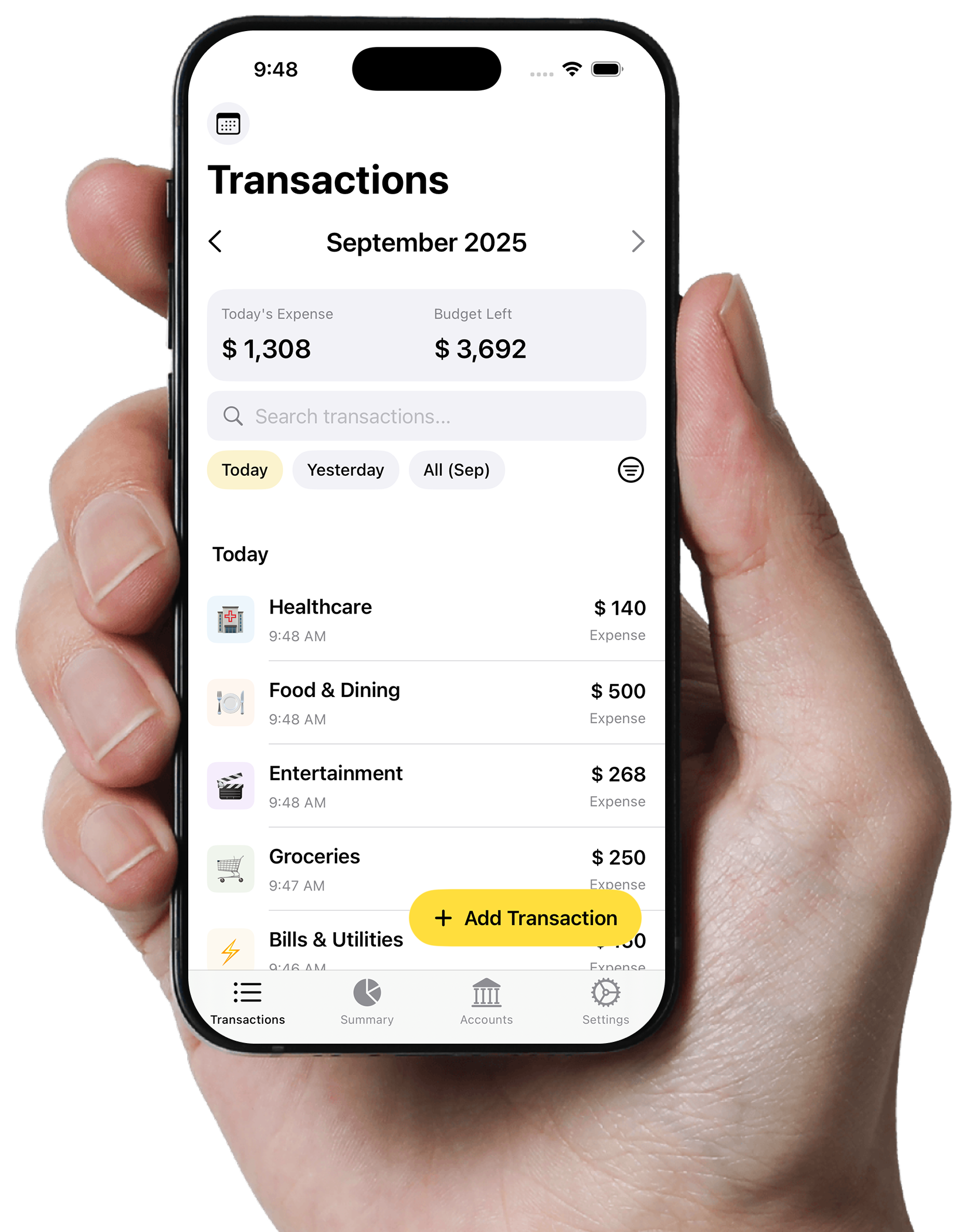
Your Daily Expense Manager, Simplified
Track your spending, manage budgets, and stay on top of your finances with ease
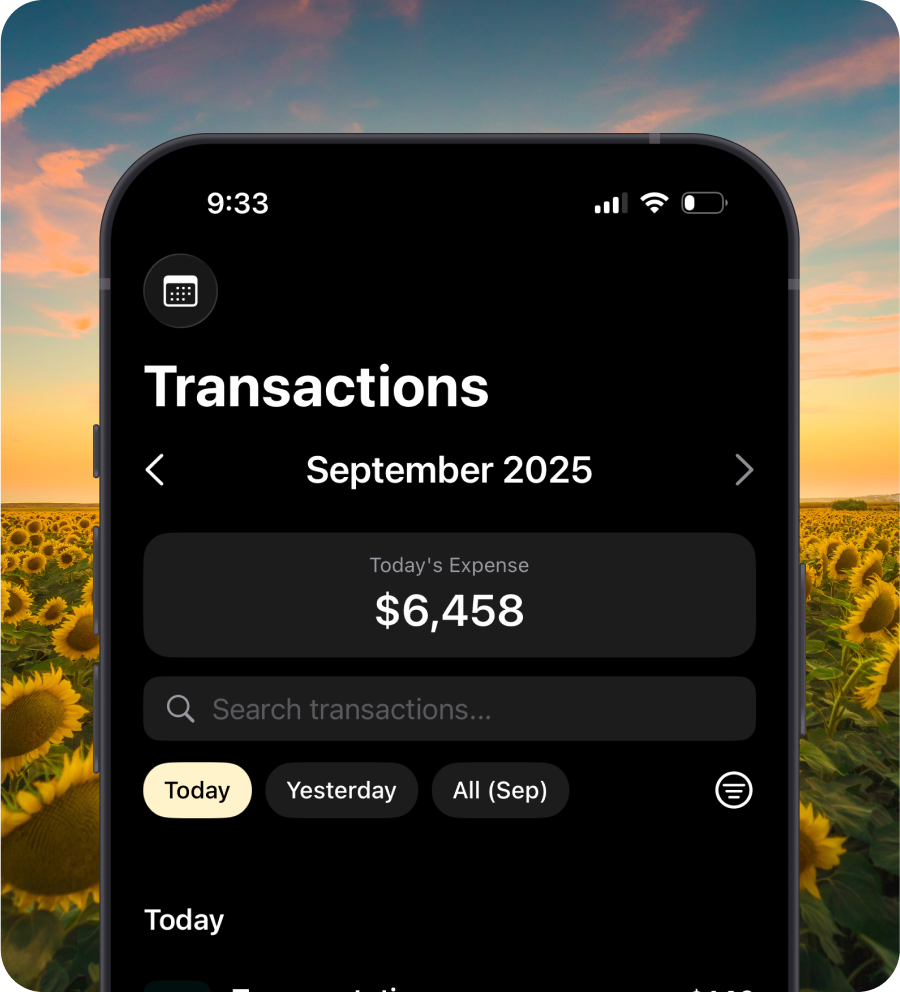
Stunning dark mode support
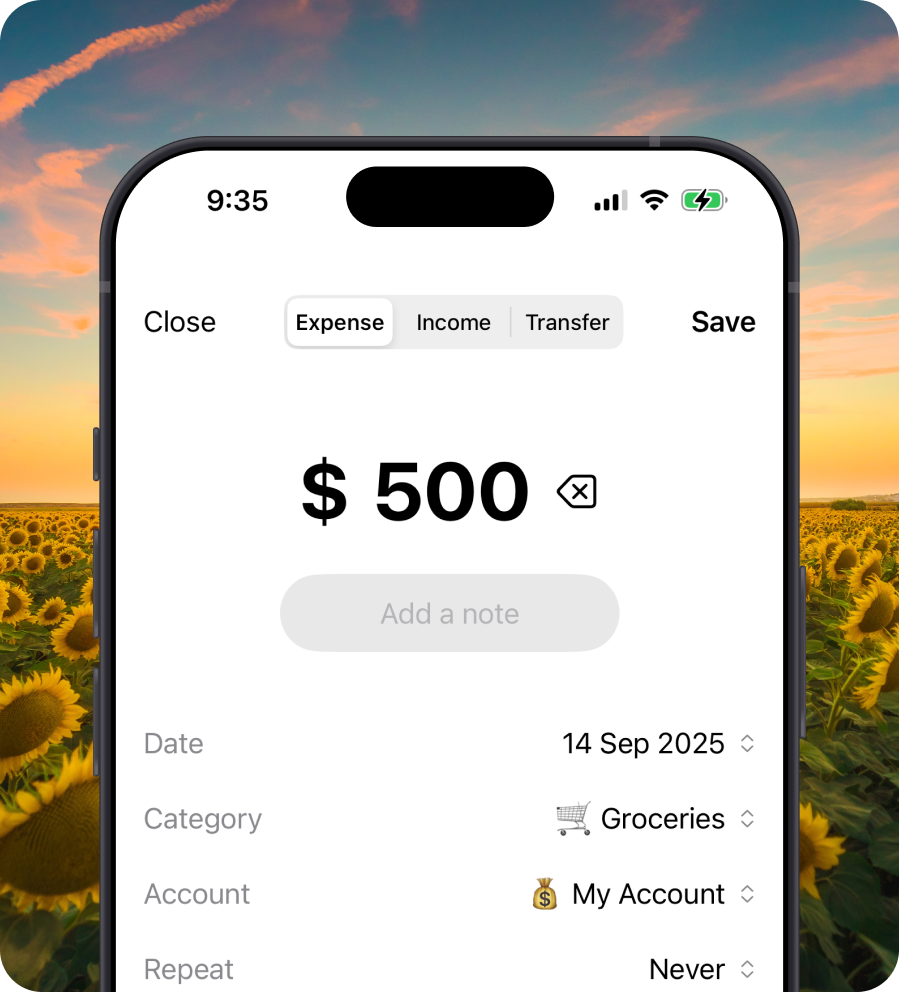
Log income and expenses fast
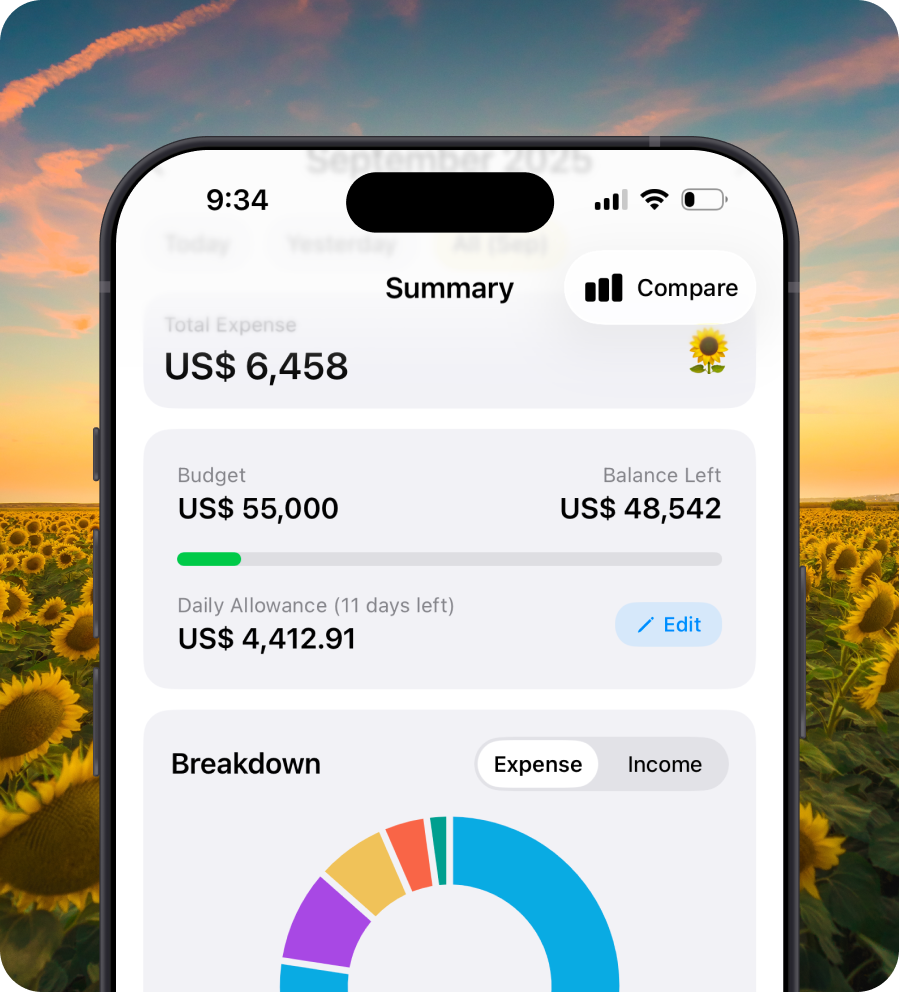
Smart budgets and insights
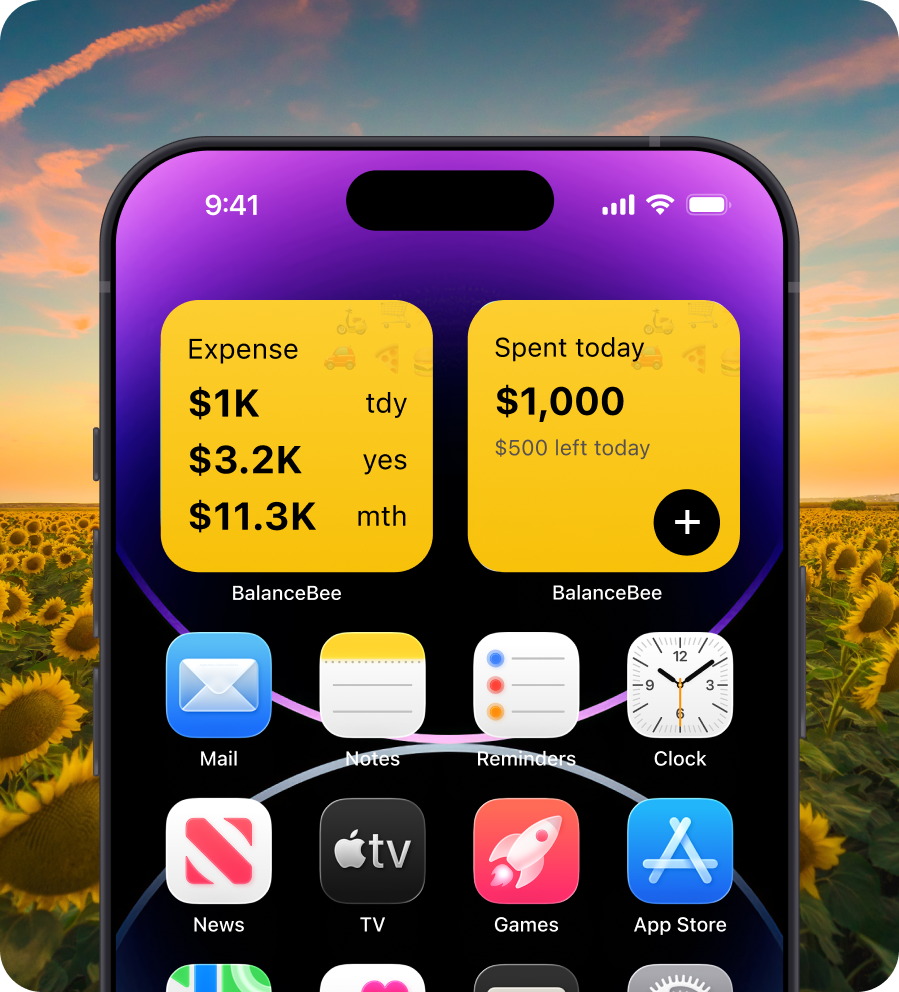
Use widgets to stay up to date

Manage all accounts in one place
Stunning dark mode support
Log income and expenses fast
Smart budgets and insights
Use widgets to stay up to date
Manage all accounts in one place
Why BalanceBee?
The smartest way to manage your personal finances without the complexity
Instant Transaction Logging
Add expenses in seconds with calculator input and smart categorization
Privacy First
Your data stays on your device with optional iCloud backup - no bank linking required
Smart Budgets
Set monthly budgets and get daily allowances with beautiful visualizations
iOS Widgets
Quick Add and Expense Overview widgets for instant access from your home screen
Smart Notifications
Get gentle reminders to log expenses and stay on track with your budget goals
All Accounts in One
Track cash, cards, loans, and investments accounts based on what you log
Simple, One-Time Payment
Pay once, use forever. No subscriptions, no recurring charges.
Lifetime Access
- All core features
- Unlimited accounts
- Advanced analytics
- No recurring payments
- Lifetime updates
Frequently Asked Questions
Everything you need to know about BalanceBee's privacy, features, and functionality.
Never. We don't sell, rent, or share your personal data with anyone. Your privacy is never for sale.
BalanceBee uses local-first storage, meaning your data stays on your device. When you enable iCloud sync, all data is encrypted end-to-end using Apple's CloudKit framework. We never see your financial information, and there are no third-party trackers or analytics.
BalanceBee uses Apple's CloudKit to securely sync your data across all your Apple devices. Your data is encrypted before leaving your device and can only be decrypted by devices signed into your iCloud account. Sync happens automatically in the background when you're connected to the internet.
Yes! BalanceBee supports CSV import and export, making it easy to migrate from other apps or backup your data. You can export all your transactions, accounts, and categories at any time from the app settings.
BalanceBee includes home screen widgets for quick expense entry and spending overview. You can create custom Shortcuts for even faster entry. Lock screen widgets are supported on iOS 16 and later, giving you instant access to your financial data right from your lock screen.
BalanceBee supports currencies from around the world including all major currencies. Here are some of the most popular ones: 🌍 Major Global Currencies: 1. 🇺🇸 USD - US Dollar ($) 2. 🇪🇺 EUR - Euro (€) 3. 🇬🇧 GBP - British Pound (£) 4. 🇯🇵 JPY - Japanese Yen (¥) 5. 🇨🇳 CNY - Chinese Yuan (¥) 🌏 Asia-Pacific: 6. 🇮🇳 INR - Indian Rupee (₹) 7. 🇦🇺 AUD - Australian Dollar (A$) 8. 🇨🇦 CAD - Canadian Dollar (C$) 9. 🇸🇬 SGD - Singapore Dollar (S$) 10. KRW - South Korean Won (₩) 🌍 Other Regions: 11. 🇨🇭 CHF - Swiss Franc (CHF) 12. 🇦🇪 AED - UAE Dirham (د.إ) 13. BRL - Brazilian Real (R$) 14. MXN - Mexican Peso ($) You can set different currencies for different accounts and the app will handle conversions automatically.
There are no ads, ever. BalanceBee offers a one-time lifetime purchase at $79.99 for full access to all features including unlimited accounts, advanced analytics, and all future updates. Your privacy is never for sale.
